Table of Contents
Allocate credit
Loading last updated info...
When you need to reduce what a client owes on an invoice (for example adjustments, returns, or goodwill), TimePro allows you to Add a Credit Note.
Use this option when you need to formally reduce what a client owes, either against a specific invoice or at the client level for later allocation.
Note: Credit notes are the only available method for invoices in locked periods.
You can create a credit note in two ways:
Option A: At the Invoice level
On an invoice, use the "Add Credit Note" button when you want to apply a credit directly against that invoice.

Figure: Invoice - Use “add credit note”
Option B: At the Client level
On a client's page, use the “Create credit note” button to create a credit note outside of a specific invoice, when you want the credit recorded at the client level first, then allocated later if required.
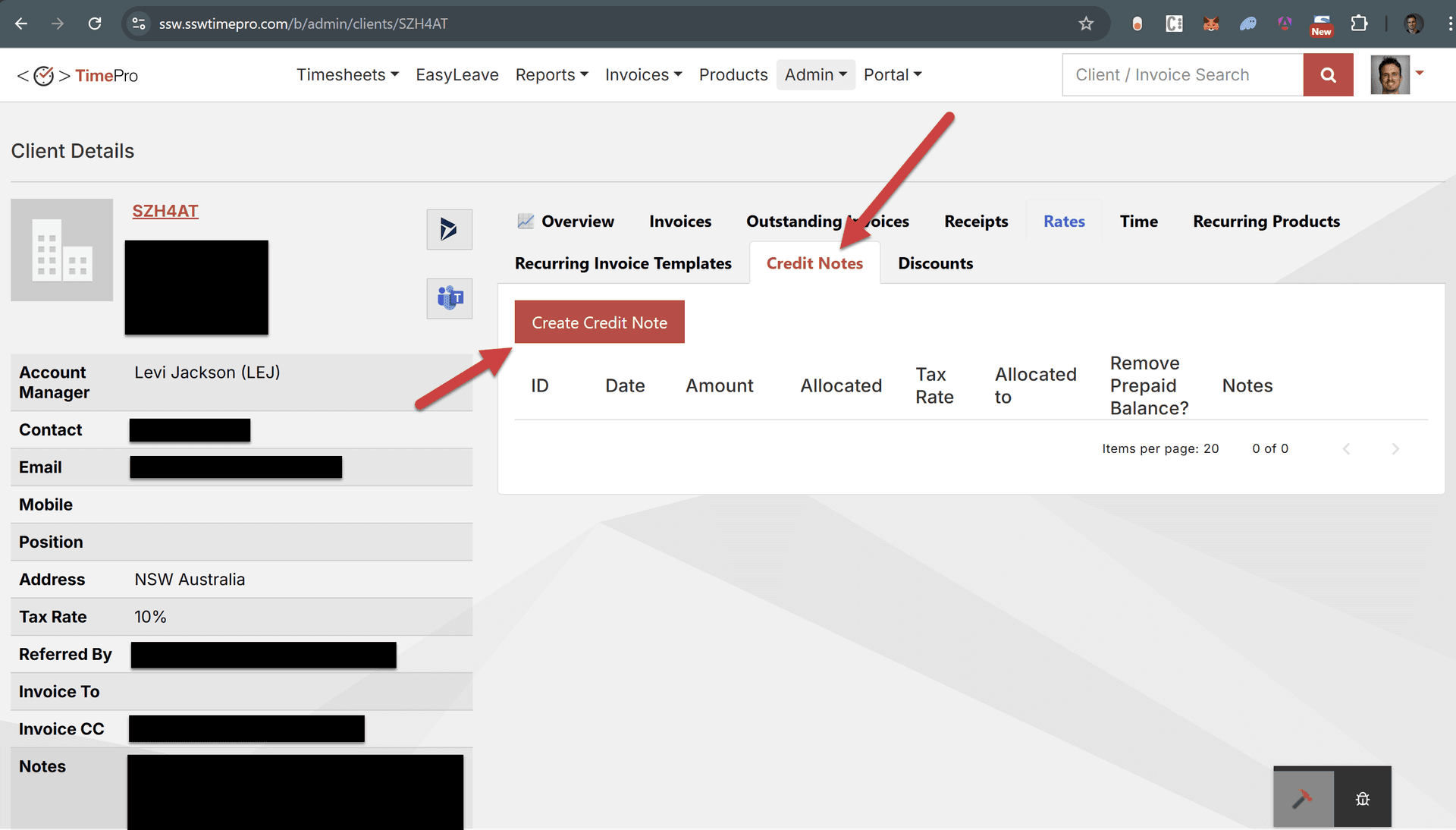
Figure: Client - Use “add credit note”